
Library skills and Referencing
Your LSHTM Library
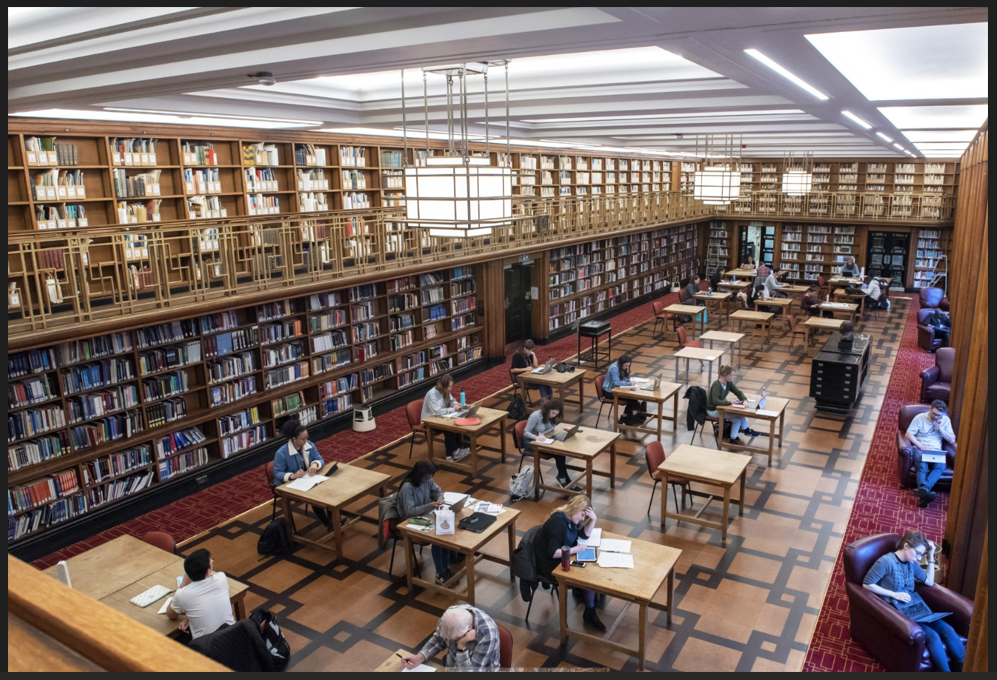
The LSHTM Library is within the Library, Archive and Open Research Services (LAORS) at LSHTM.You will be spending a lot of time using your library, you can access all the resources online, along with assistance from the team of Librarians. You can also visit in person if you come to London. You will find all the library staff members very knowledgeable and eager to help you. In addition, library staff offer guidance for researching, accessing resources and referencing what you read, in your written assignments.
You will be able access Librarian help through the Virtual Student Hub, after the start of the academic year in October.
The LSHTM library has produced a Foundation level Information skills mini-module. Once you have joined us in October we recommend you work through in your own time. This is a really useful way to find out how to access and evaluate information that you will need in your studies, essential for critical analysis, a key Masters level skill.
You can access the library through the VLE, Moodle, links can be found in the General zone and the Student Zone for you Programme and Module pages. Access to Library support, help and services are available to Distance Learners through our online ServiceDesk portal, once the new academic year has started.
You will also have access to the University of London Online library
Referencing
Referencing is how you give credit to others whose ideas, text, data, images or other content have been used in your own writing. You must reference their contribution every time you use someone else's work if you want to avoid plagiarism.
At the LSHTM we use Turnitin to assess for academic irregularities, your work will be checked once it is submitted for plagiarism, which is a serious offence and comes with severe penalties. Please refer to your Student handbook for more information about how we handle it.
Assessed Assignments (AAs) and online Time Limited Assessments (TLAs a form of exam) are put through through Turnitin. All Assessments are routinely screened through Turnitin, the reports are then reviewed by senior academics for irregularities. It is very important that you take time to understand what plagiarism is and how to avoid it.
Referencing Tools
Fortunately, there are a number of useful digital tools that make referencing easy. And some versions of Word have referencing functionality. The advantage of a reference manager is that you can save all your references as you read them and then only the ones you use will be included in a piece of work.
EndNote
EndNote is LSHTMs preferred reference management tool that works with Microsoft Word to automatically format in-text citations and end-of-paper reference lists with your chosen style. It can also be used as a personal database to gather and store bibliographic records from different sources. You can also use EndNote to conduct searches via direct connection to a journal or research database (PubMed, BIOSIS, etc.), which allows you to save and organise search results within your personal library.
As student at LSHTM you will have access to EndNote, information will be available through Moodle. Please contact your programme team (via the support e-mail address) once you are enrolled for details.
If you want to learn more:
Mendeley
Mendeley is a reference management tool that is free to download for personal use and available for Windows, Mac, iOS or Android. There is a web and desktop version, and an MS Word plugin that allows you to import references directly from your Mendeley library to a Word document. There is also a web plugin, that allows you to save a reference from a web page to your Mendeley library.
You can also use Mendeley to create and maintain a personal profile, to share subject-based libraries with other researchers and your fellow students, and browse the libraries that other students and academics have shared. In this way, Mendeley serves almost as a social network for researchers interested in sharing their libraries, finding popular or oft-cited papers, and browsing subject-based bibliographies.
Others
If you have time, you might want to explore other options:
- Zotero: free, online reference manager
- Zotero Bib: free service that helps you quickly create a bibliography in any citation style
Choosing a reference management tool
You may find it helpful to test different reference managers to see which one you prefer working with. Consider the following when choosing your reference manager:
- Accessibility - desktop, web-based or web browser extension?
- Is the citation / reference style you need to use available?
- Is the software compatible with your word processing program?
- If you want to share your references with colleagues, what do they use?
"Use citation software and learn how to collect and collate references as you go ... it's a pain to do at the end!" Jamie, 2nd-year student